
In today’s digital workplace, businesses are increasingly moving toward cloud-based solutions to improve flexibility, security, and productivity. One of the most innovative solutions introduced by Microsoft is Windows 365. It allows organizations to stream a full Windows desktop from the cloud to any device. Understanding Windows 365 licensing is essential for businesses planning to adopt this powerful cloud PC platform.
What is Windows 365?
Windows 365 is a cloud service that delivers a complete Windows operating system experience through the cloud. It enables users to access their personalized Windows desktop, apps, data, and settings from anywhere using an internet connection.
Unlike traditional virtual desktop infrastructure (VDI), Windows 365 simplifies deployment and management by providing a Cloud PC that is hosted and managed by Microsoft. Users can access their Cloud PC from devices such as laptops, tablets, and smartphones.
This makes Windows 365 ideal for remote work, hybrid work environments, and businesses that want secure and scalable computing solutions.
Types of Windows 365 Licensing
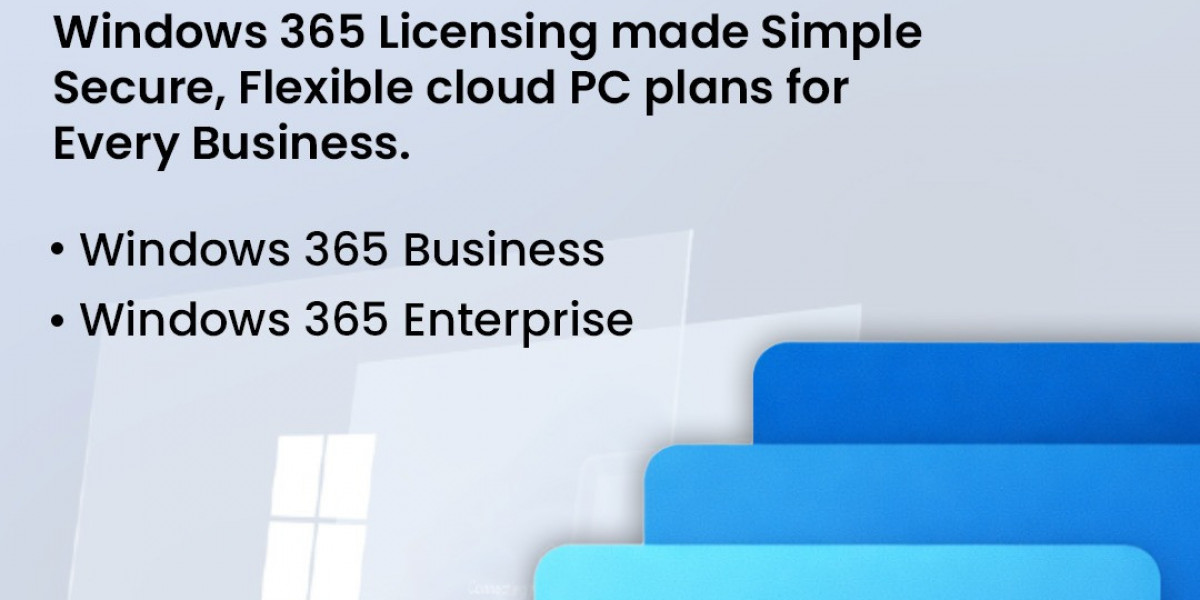
Microsoft offers two primary licensing options for Windows 365, designed for different business needs.
1. Windows 365 Business
Windows 365 Business is designed for small and medium-sized businesses (SMBs) with up to 300 users. This plan provides a simple and easy-to-manage cloud PC solution without requiring advanced IT infrastructure.
Key features include:
Simple setup and deployment
No need for Azure subscription
Automatic updates and security
Easy management through the Microsoft admin center
This licensing option is ideal for businesses that want a quick and cost-effective cloud desktop solution without complex configuration.
2. Windows 365 Enterprise
Windows 365 Enterprise is designed for larger organizations that require advanced management and integration with their existing IT environment.
Features include:
Integration with Microsoft Endpoint Manager
Advanced security policies
Support for unlimited users
Integration with Azure Active Directory
Greater control over networking and security
Enterprise licensing is perfect for companies that require scalability, advanced IT control, and deeper cloud integration.
Windows 365 Licensing Requirements
To use Windows 365, businesses must meet certain licensing requirements. These include:
A valid Microsoft account
Supported device with internet access
Eligible Windows operating system
Subscription to Windows 365 plan
For enterprise deployments, organizations may also need additional services such as Azure Active Directory and endpoint management tools.
Cloud PC Configuration Options
Windows 365 licensing is based on Cloud PC configurations, which determine the computing power available to users. Businesses can choose configurations depending on their workload requirements.
Typical configurations include:
2 vCPU, 4 GB RAM, 64 GB storage
2 vCPU, 8 GB RAM, 128 GB storage
4 vCPU, 16 GB RAM, 128 GB storage
8 vCPU, 32 GB RAM, 512 GB storage
Higher configurations are suitable for developers, designers, and power users, while basic configurations work well for general office tasks.
Benefits of Windows 365 Licensing
1. Work from Anywhere
Employees can securely access their desktop and applications from any location, making it perfect for remote and hybrid work models.
2. Improved Security
Because data is stored in the cloud rather than on local devices, businesses benefit from better data protection and reduced risk of data loss.
3. Simplified IT Management
IT teams can easily manage devices, users, and updates through centralized cloud management tools.
4. Scalable for Growing Businesses
Companies can easily add or remove users as needed, making Windows 365 a flexible solution for growing organizations.
5. Consistent User Experience
Users get the same desktop environment regardless of the device they use, improving productivity and workflow continuity.
Who Should Use Windows 365?
Windows 365 is ideal for:
Remote and hybrid workforces
Businesses with distributed teams
Companies looking to reduce hardware costs
Organizations needing secure cloud-based desktops
Startups and growing businesses
Industries such as IT services, finance, education, healthcare, and consulting can benefit significantly from adopting Windows 365.
Conclusion
Windows 365 licensing provides businesses with a flexible and scalable way to deliver Windows desktops through the cloud. With options like Windows 365 Business and Enterprise, companies can choose a plan that best fits their size and IT requirements.
By adopting Windows 365, organizations can improve productivity, enhance security, and support modern work environments without the complexity of traditional infrastructure. As cloud computing continues to grow, Windows 365 is becoming an essential solution for businesses looking to modernize their IT systems.