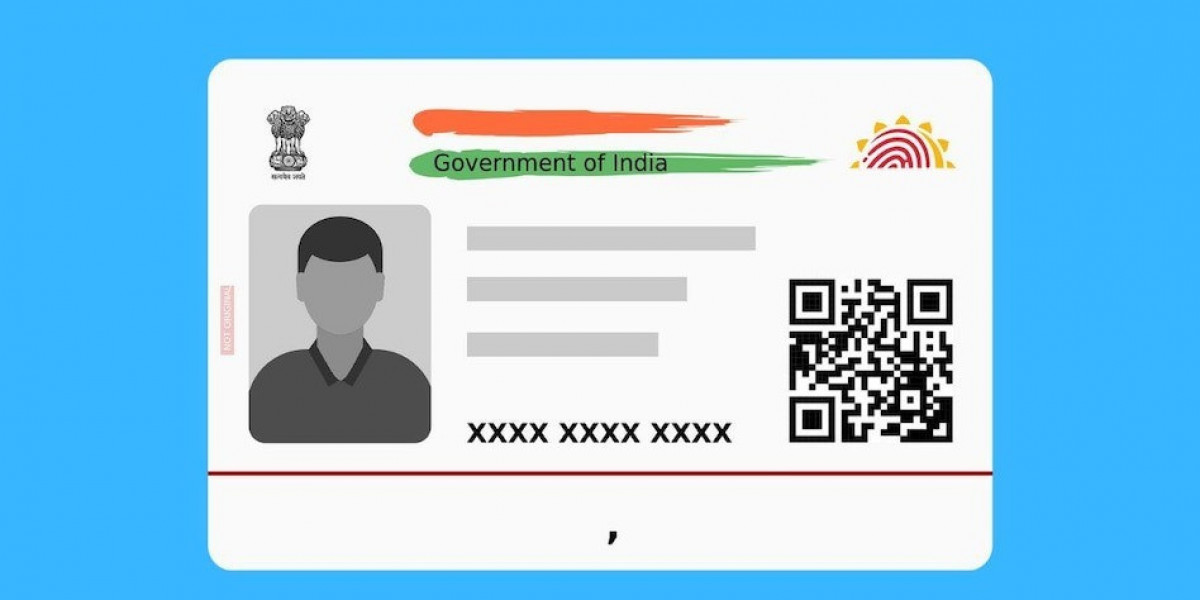

In the fast-paced digital ecosystem of 2026, the Aadhaar card has evolved from a simple physical ID into a powerful digital asset. With the latest government mandates, including the January 2026 requirement for Aadhaar-authenticated IRCTC ticket bookings and the integration of the ABHA digital health ID, having instant access to your identity is more important than ever. The aadhaar download now feature allows you to bypass the wait for physical post, giving you a legally valid e-Aadhaar in seconds. This guide covers how to efficiently navigate the download process and keep your digital identity secure.
1. The Power of e-Aadhaar in a Digital-First India
As of 2026, the e-Aadhaar is a digitally signed, password-protected PDF that holds the same legal validity as the physical PVC card under the Aadhaar Act. Choosing to download Aadhaar card files onto your smartphone ensures that you are never without proof of identity. Whether you are at an airport kiosk or a bank, the electronic version is your reliable partner. It is not just a backup; for many, it has become the primary mode of identification due to its portability and ease of verification via secure QR codes.
2. Instant Access via Aadhaar Download Now
The "Aadhaar download now" functionality is specifically designed for residents who need their ID immediately. Instead of waiting weeks for a physical card to be delivered by Speed Post, you can fetch your e-Aadhaar from the MyAadhaar portal the moment it is generated. This is particularly useful for students applying for competitive exams like JEE Main 2026, where Aadhaar-based photo verification has become a mandatory step for a smooth examination experience.
3. Step-by-Step Guide to Download Aadhaar Card
The process to download Aadhaar card information is straightforward but highly secure.
Visit the official MyAadhaar portal.
Select the "Download Aadhaar" option.
Enter your 12-digit Aadhaar number or the 28-digit Enrollment ID (EID).
Complete the Captcha and click "Send OTP."
Enter the OTP received on your registered mobile number and click "Verify & Download." Your e-Aadhaar will be saved as a PDF, ready to be used for any government or private service.
4. Performing an Aadhaar Card Status Check First
If you have recently updated your address or mobile number, we highly suggest performing an aadhaar card status check before you attempt to download. This ensures that the document you download reflects your most current data. By entering your Update Request Number (URN) or EID on the portal, you can see if your request is "In Process" or "Completed." Once the status shows as "Generated," you can proceed with confidence to the download phase.
5. Managing Your Identity: Aadhaar Card Status
For new applicants, keeping an eye on your aadhaar card status is the best way to track the journey of your first ID. The system validates your biometrics and documents through several stages. If your status check reveals a "Rejected" message, it usually points to a document mismatch, allowing you to re-enroll quickly. Staying informed about your status ensures you are not left guessing and can take the right action at the right time.
6. Privacy Features: Choosing a Masked Aadhaar
When you use the aadhaar download now feature, you are given the option to download a "Masked Aadhaar." This version hides the first eight digits of your Aadhaar number, showing only the last four. In 2026, this has become a recommended "Expert" practice for sharing your ID in non-government settings, such as hotel check-ins or for a new SIM card. It provides the necessary proof of identity while significantly lowering the risk of your full Aadhaar number being misused.
7. Troubleshooting Common Download Hurdles
While the system is robust, some users may face issues when they try to download Aadhaar. The most common hurdle is an outdated or unlinked mobile number, which prevents you from receiving the necessary OTP. If you find yourself in this situation, you can visit a nearby Aadhaar Seva Kendra to update your biometrics and mobile link. Additionally, if you have lost your enrollment slip, the portal offers a "Retrieve EID/UID" service that sends your details directly to your phone, allowing you to resume your download.
8. Why Trust MyAdhaarUIDAI for Your Identity Needs
With identity laws and digital portals frequently updating, having a clear resource like MyAdhaarUIDAI is invaluable. The platform acts as an authoritative hub, providing direct links for an aadhaar card status check and up-to-date instructions for a safe download. By following expert-vetted advice, you ensure that your personal data is handled securely and that you always have access to the full suite of benefits offered by the Indian digital infrastructure.